
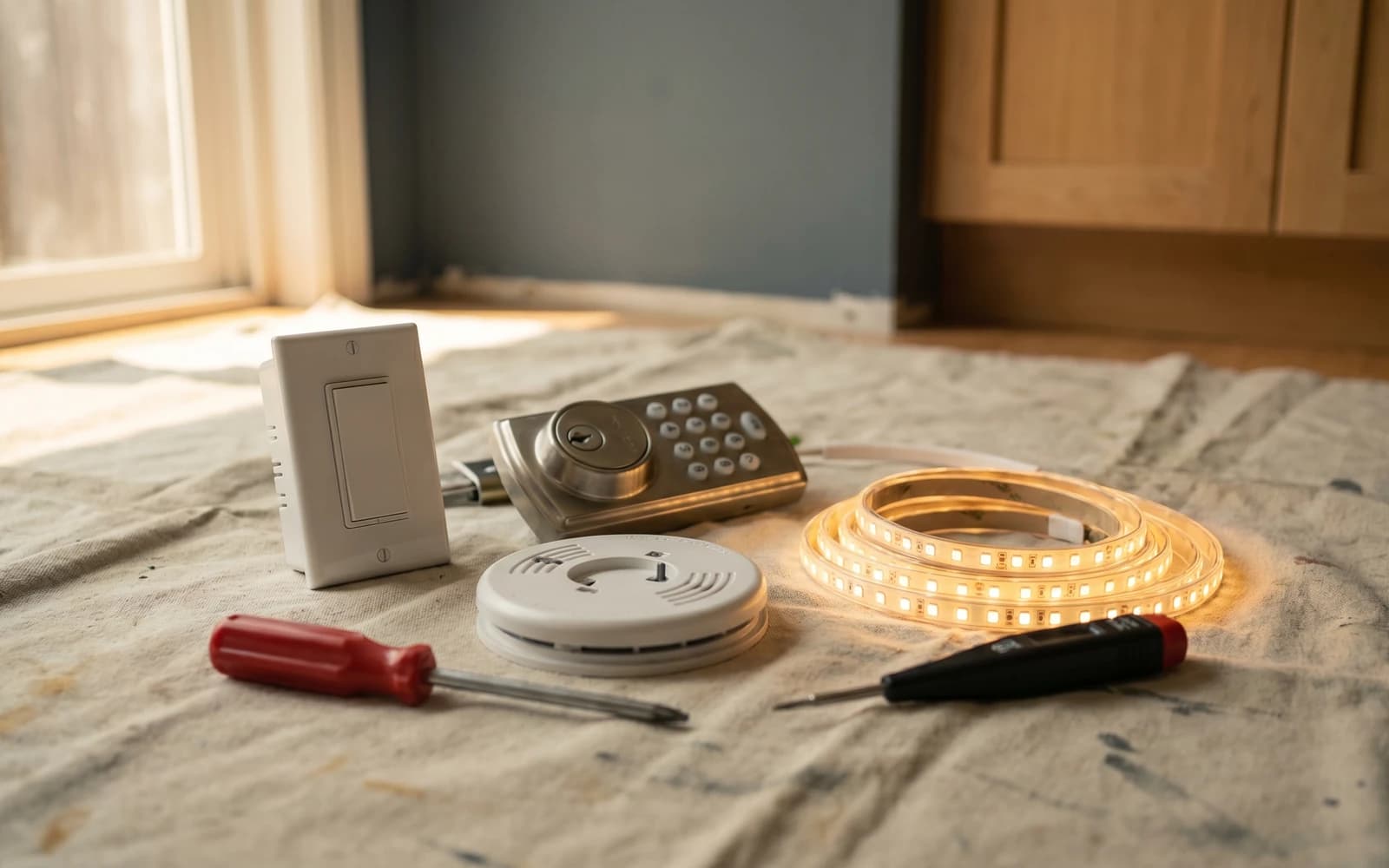
Smart-home shopping is overwhelming on purpose. Every device promises to change your life, every brand has six tiers, and the marketing photography always shows a perfectly lit minimalist house that looks nothing like a real BC home. Across the smart home installs I get asked for most in Langley, Surrey, White Rock, Aldergrove, Abbotsford, and Cloverdale, the pattern is obvious: a few categories of smart device are genuinely useful, several are a waste of money for most households, and the install details (not the device) usually decide whether the upgrade lasts.
This guide is the short version of what I recommend to homeowners across the Lower Mainland: what to install first, what to skip, and the install details that separate a smart-home upgrade that lasts from one that becomes a battery-replacement chore.
Worth installing first
These are the devices with the highest hit rate. They are the installs I get asked for most, and the ones homeowners almost never regret. The daily routines genuinely get better.
- Hardwired smoke and CO detectors, interlinked. BC code requires these in newer construction and they save lives. The smart versions add app notifications when you are out, plus battery and end-of-life alerts.
- Smart thermostat (Ecobee or Nest). Real energy savings on BC heating bills, especially when paired with the auto-away features. Most homes pay for the device in one or two winters.
- Smart deadbolt (Schlage Encode, Yale Assure). One-time codes for cleaners, contractors, and dog walkers. Auto-unlock as you walk up the path with groceries. Removes the daily 'did I lock the door' loop entirely.
- Video doorbell (Ring, Nest, Eufy). Package monitoring, visitor screening, and a record of who came to the door when you were not home. The single highest-value smart device for most households.
- Smart light switches at high-traffic locations (entry, hallway, kitchen, primary bedroom). Less app fiddling than smart bulbs, works with regular wall-switch muscle memory, and integrates cleanly with the rest of the smart-home stack.
Skip or wait on these
These are the devices that sound great in the showroom but consistently disappoint in real BC homes. Not bad products, just bad fits for most households compared to the alternatives above.
- Smart bulbs in every fixture. Overcomplicated and expensive at scale, plus the bulb resets every time someone uses the wall switch the old way. Smart switches are the better answer for almost every use case.
- Smart blinds. Still early for many BC homes, with battery management that frustrates more than it delights. Wait unless you have a specific accessibility need or a hard-to-reach window where the convenience earns its keep.
- Voice-controlled everything. Battery-powered voice devices drain fast, and the always-listening privacy concerns matter to more households than the marketing acknowledges. Use voice control where it is hands-free useful (kitchen timer, lights while cooking) and skip it elsewhere.
- Cheap no-name smart switches and cameras. The bargain-bin marketplace listings are almost always a regret purchase. Battery management, app support, and firmware updates all suffer at the bottom of the price range. The cost saving disappears the first time the device stops working a year in.
Every job I take gets a written scope before I start, so the price is agreed in advance and the list stays the list.
The install details that decide whether it lasts
Smart-home devices fail more often from install issues than from device defects. The four most common failure points are predictable: wiring (especially the C-wire question on smart thermostats), strike-plate alignment on smart locks, network coverage in the corner of the house where the camera lives, and battery management on devices that use AAs in cold BC weather. I confirm each of these on the install rather than discovering them later.
How to phase in a smart home
Most homeowners start with a single device and grow from there. The order I recommend, based on hit rate and ease of integration, is: video doorbell first (highest daily impact), then smart deadbolt (changes household workflow), then smart thermostat (quiet ROI on BC heating bills), then smart switches at the four or five locations that matter most. Hardwired smoke and CO detectors slot in whenever the existing units are due for replacement (every 10 years).
