
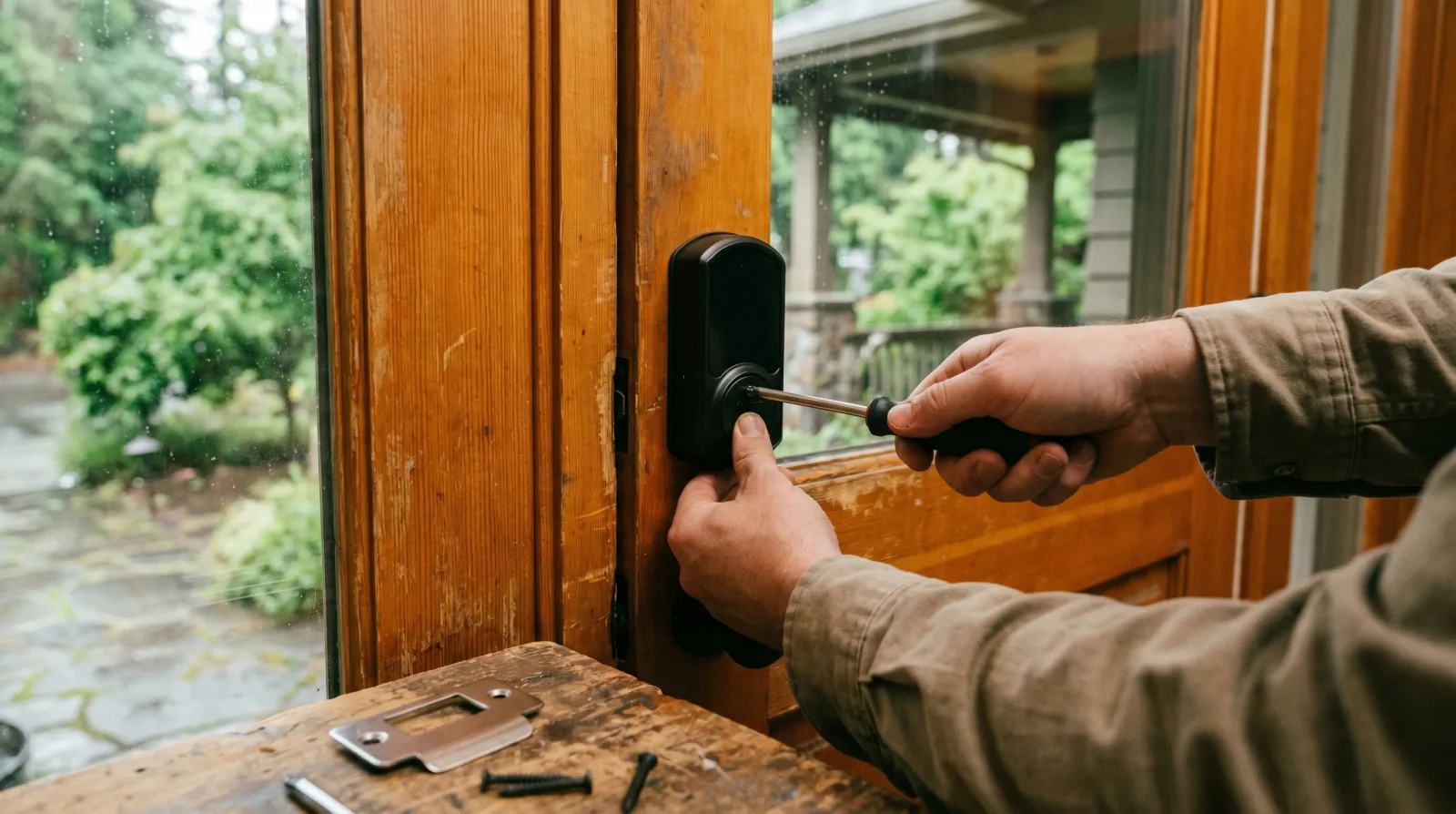
Smart locks are the smart home upgrade with the highest hit rate. Unlike smart bulbs that need apps for things you used to do with a wall switch, a smart lock genuinely changes how you live in the house. One-time codes for cleaners, contractors, and dog walkers. Auto-unlock as you walk up the path with groceries. Remote unlock when a kid forgets their key. It removes the daily 'did I lock the door' loop entirely.
But smart lock installs go wrong in BC homes for a few specific reasons, almost all of them avoidable if you know what to check before you order.
1. Will it fit your door?
Most modern smart deadbolts are designed for a standard prep door: a 2 1/8 inch face bore for the deadbolt, a 1 inch edge bore for the latch, and a 2 3/8 or 2 3/4 inch backset (the distance from the door edge to the centre of the bore). Nearly every BC home built since 1990 has standard prep. Older heritage homes, custom doors, and some Vancouver Special builds use non-standard backsets that need a hole modification or a specific lock model. I confirm fit from a single photo of your door before booking.
2. Which smart lock is right for you
- Schlage Encode: Wi-Fi built-in, no hub needed, works with the Schlage app or Apple Home / Google. My most-recommended pick for everyday households.
- Yale Assure: similar feature set, slightly slimmer profile, integrates well with August Home for video doorbell pairing.
- August Smart Lock (4th gen): retrofits over your existing deadbolt thumb-turn instead of replacing the whole lock. Useful for renters or strata units where you cannot modify the door hardware.
- Lockly Vision: includes a built-in camera. More expensive, more to break, only worth it if you do not already have a doorbell camera.
- Skip: cheap no-name brands from marketplace listings. Battery management and firmware support are usually poor.
3. The install steps
A smart lock install on a standard prep door is roughly a 45-minute job: remove the existing deadbolt, install the new latch and thumb-turn, mount the keypad, align the strike plate so the bolt throws cleanly, install the batteries, and pair to the app. The pairing is where most DIY installs stall: connecting to home Wi-Fi, naming the lock, setting the auto-lock timing, programming the first few user codes, and confirming notifications work on your phone. I walk through all of that on the visit and leave you with a working lock, not a project to figure out later.
4. Strike plate alignment is the silent failure
The most common smart-lock complaint a year after install is 'it stopped auto-locking' or 'the bolt sticks sometimes.' More often than not, the issue is strike plate alignment. The bolt drags against the strike plate edge, the motor strains, and the lock either gives up or slowly destroys its own gear teeth. A correctly aligned strike plate lets the bolt drop in cleanly with no resistance. I adjust the strike plate during the install and confirm the bolt throws smoothly with the door closed at three different positions before leaving.
Every job I take gets a written scope before I start, so the price is agreed in advance and the list stays the list.
5. Pairing with the rest of your smart home
If you already run a Nest, Ring, or Apple Home setup, the smart lock should slot into it. I confirm compatibility before quoting, set up the integration during the install, and test one-time codes, auto-unlock proximity (where supported), and notifications across whichever app ecosystem you live in. The end state is a lock that works with everything else you already use, not a fourth app to remember.
